Element Lens
A Chrome and Edge extension that turns a selected page element into context for an AI agent.
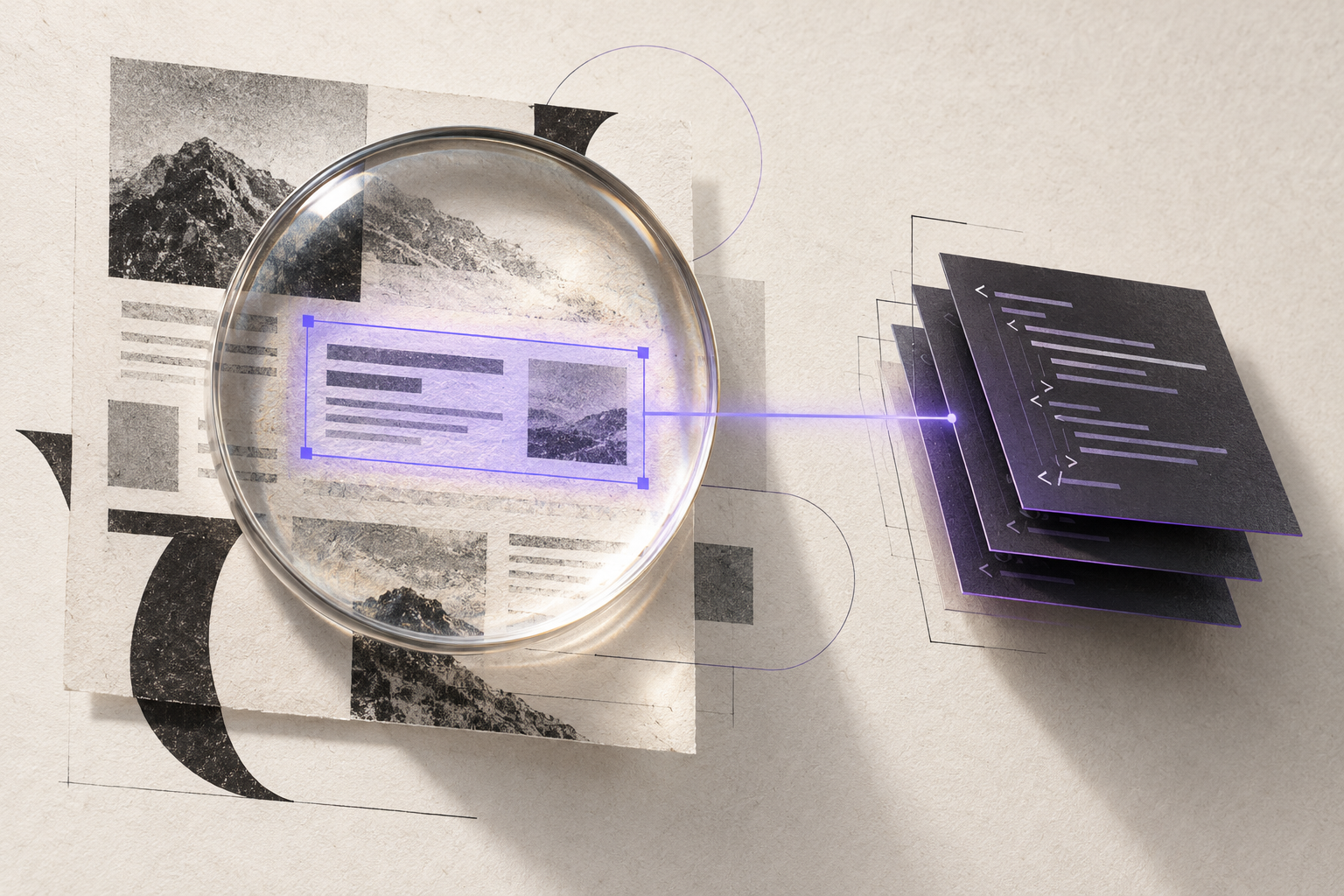
From a page element to useful context
Describing a small part of a web page to an AI agent can mean switching between the browser, developer tools, and a prompt. Element Lens brings the rendered element and its surrounding context into one clipboard capture.
The extension runs in Chrome and Edge. Click its toolbar action to enter pick mode, hover over an element to see its outline and label, then click to copy the context. Escape cancels the selection. The picker closes after a capture and shows whether the clipboard write succeeded.
What the capture contains
The output is a Markdown bundle with four sections:
- Selected HTML: a bounded copy of the element's markup, with form values and sensitive-looking attributes redacted.
- Computed styles: values for layout, spacing, typography, color, borders, and other selected CSS properties.
- Nearby DOM context: an ancestor path and short descriptions of the selected element and adjacent siblings.
- JavaScript clues: the element's tag and available role, ARIA, data, and inline event attributes.
These clues describe what the browser exposes. The capture does not recover authored stylesheets, general event-listener code, or framework state. Large or deeply nested markup is truncated to keep the bundle focused.
A small extension with local capture
The implementation uses plain JavaScript and Manifest V3. A service worker handles the toolbar action and injects the picker into the active tab. The picker places its outline and label in a shadow root, then removes its listeners and overlay when selection ends.
The manifest requests activeTab, scripting, and clipboardWrite. The capture code writes to the clipboard and does not transmit the bundle to a server. Redaction covers form values and attributes with names that suggest credentials or secrets; visible page text remains in the output and should be reviewed before sharing.
Scope and current stage
Version 0.1.0 includes the extension shell, the one-shot picker, and a packaged ZIP for local installation through the browser's Load unpacked option.
Selection operates in the top-level page. An embedded frame is captured as a frame element rather than inspected internally. Open shadow-root content can be selected when exposed through pointer events; closed shadow roots are represented by their hosts. Browser-internal and protected pages cannot be inspected, and the toolbar indicates when the picker is unavailable.
The case study reflects the published 0.1.0 source snapshot. See the repository README for installation instructions and current capture limits.